Seven-photo planning guide
Choose seven photos worth looking through again
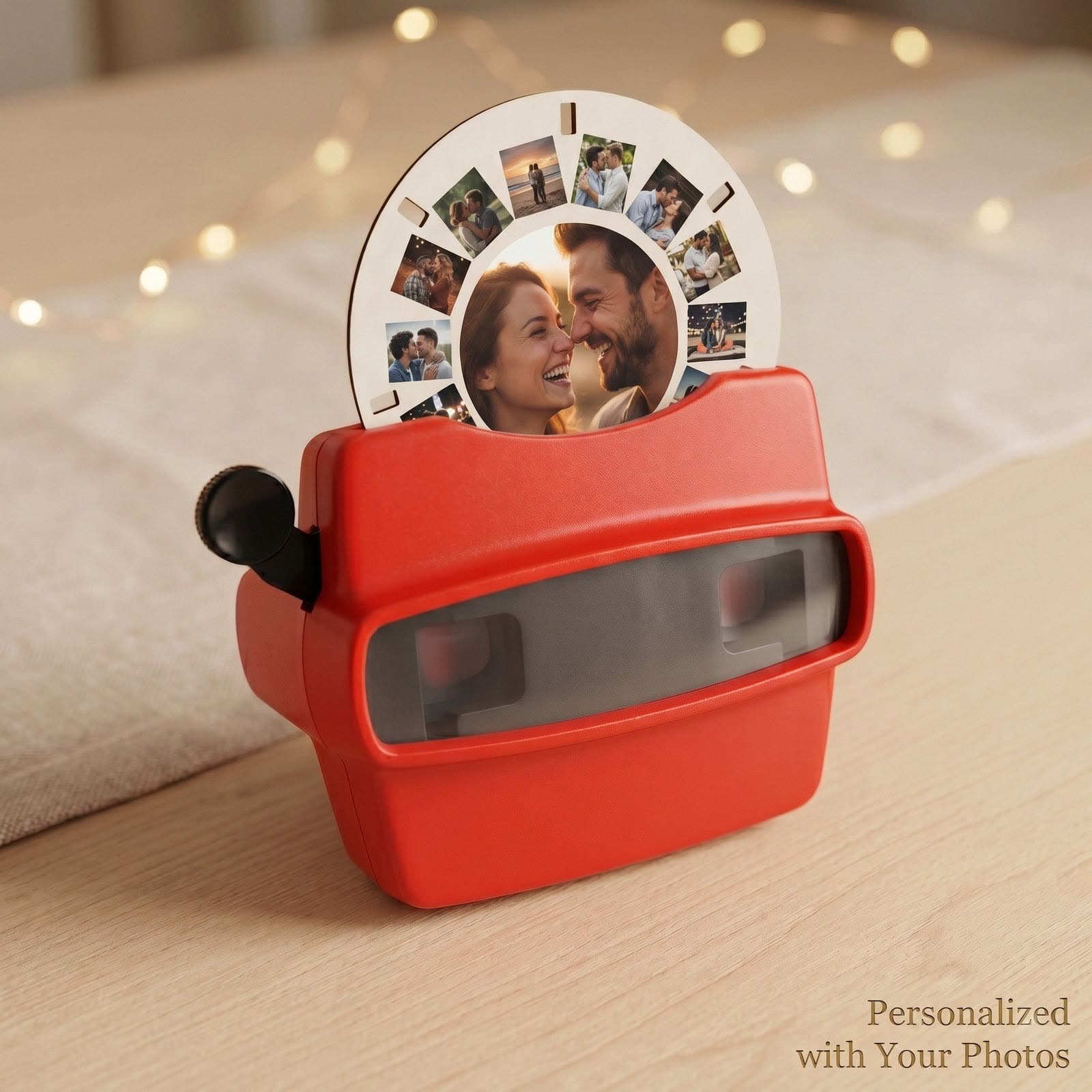
A great photo reel is a short story, not a competition for the perfect photograph. Start with moments that matter to the recipient, then check that the pictures will stay clear and recognizable when viewed as small slides.
Create Your Photo ReelSeven photos per reel · Upload after checkout
1. Pick a story before picking the photos
Choose one theme: your year together, a family holiday, a wedding or a child growing up. Collect a few more than seven candidates, then remove repeats. A mix of people, places and little details gives each click something different.
- Photo 1: a beginning — the first day, first meeting or first stop.
- Photos 2–6: people, places, milestones and everyday moments.
- Photo 7: an ending — a recent portrait or a moment to remember.
2. Use clear original files
Use the original photo from your phone or camera when possible. Avoid screenshots, blurry faces, very dark images and files repeatedly saved from social media. Zoom in to check the important details. A collage with many tiny photos or small text can be hard to read on a slide.
3. Leave room for cropping
Choose pictures with space around faces and important details. A face already touching the edge may be difficult to keep in the crop. Both portrait and landscape photos can work; review each crop in the customization tool rather than assuming the full image will fit.
4. Check your selection before submitting
Save seven selected photos in a folder, in your intended story order. For multiple reels, prepare a separate group of seven for each. After checkout, use your order details to open the upload portal, review the photo positions and crops, and check any captions before submitting. You do not need to finish choosing photos before you place the order.